
Description
Introduction to the product
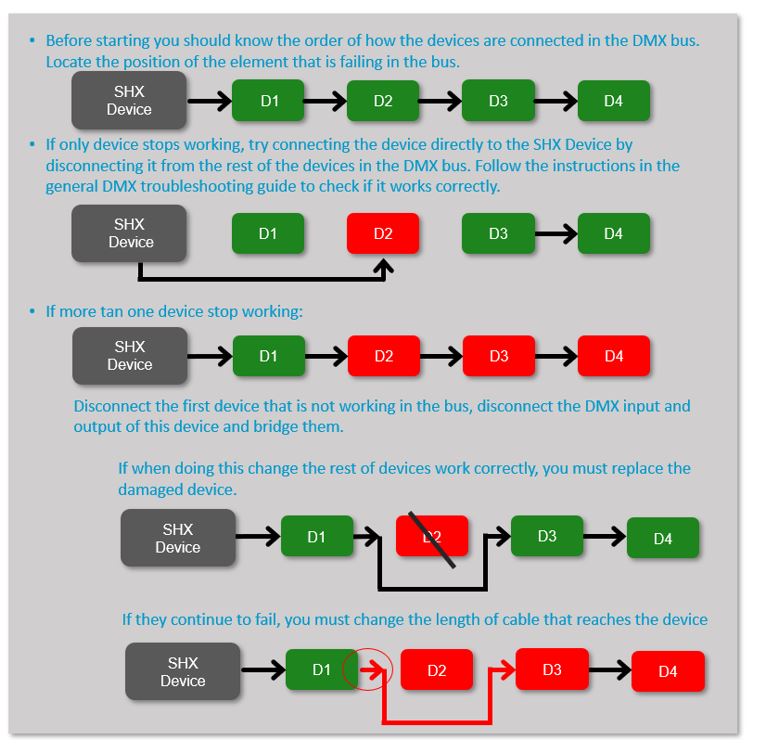
The Luminea Planet is a spherical lighting device designed to create immersive visual effects. Its projection of light and colour creates attractive environments that invite calm, exploration, and interaction.
This type of resource is ideal for complementing multisensory spaces, as it provides gentle and continuous visual stimulation that can adapt to different objectives: from relaxation to sensory activation. Its spherical shape and dynamic lighting make it an eye-catching element that captures attention without being intrusive.
You can control the colour of the LEDs with a 6-button remote, a dice, a switch, or through the Luminea App.
You can also use it as part of an environment with the SHX System where it combines with other Luminea devices, and with images, videos, sound, vibration, and other immersive effects.
Componentes de la línea de leds SHX
Planet
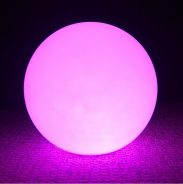
Cable DMX (6m)
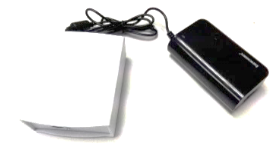
Power supply
Installation
A. Device Assembly:
To hang the planet from the ceiling, the steel cable supplied with the product must be used. Pass the cable through the rings of the base as shown in the figure and secure the cable with the ties.
Use the acrylic base if you want to place the Planet on the floor.
IMPORTANT: before hanging the planet, make sure all the flange screws are tightly tightened.
Wiring
DMX bus installation
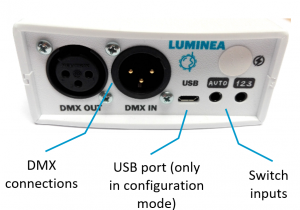
- Make the DMX connections: for use with the SHX system, the DMX cable must be connected to the DMX IN connector. This cable must be connected to the rest of the DMX bus of the installation. In the event that this element is the last of the entire installation, the bus terminator should be connected to the DMX OUT (this terminator is supplied in the SHX Central Device). If you must continue the DMX signal to another device, you must connect the DMX cable to the DMX out connector.
How to use
Startup
- Connect the Luminea controller to the power supply.
At the moment of connecting it, the LED line lighting will activate in white for 10 seconds. After this time, it will operate in automatic mode (see next section).
Use through switches
 This entry turns the device on and off. Once it’s running, the lighting changes automatically.
 This entry changes the lighting colour cyclically, passing through the colours red, green, yellow, blue, orange, white, and off. When starting a cycle after being turned off, the bubbles are activated.
Use with wireless remote
You can control the device using the wireless remotes Button 6, Button 1, or from the Luminea mat or die.
Configure these controllers in the appropriate operating mode so that they can control this device (refer to the controller manual) and change the device’s colour directly from the wireless remote.
Control from an Android tablet
If you wish, you can control the lighting directly from an Android tablet with the Luminea app.
The following steps must be followed:
Link the Luminea controller to the tablet.
Select the device from the list of devices in the app.
Use the activities created in the app to control the device’s lighting.
Consult the app’s help to learn how to use it.
Use in an SHX room
- From the SHX software, you can control the device’s lighting.
- Within the SHX application, you will find a tab that allows you to change the device’s colours: you can choose between different colours or activate the automatic colour change function.
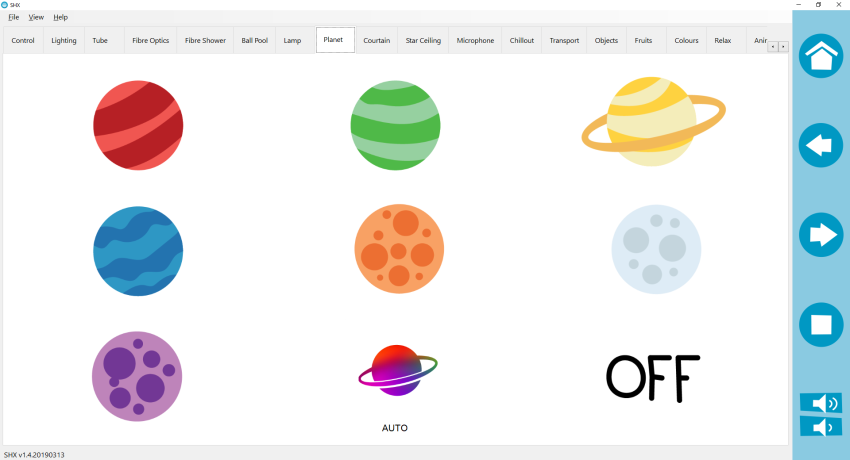
- By pressing the shutdown button on the SHX application, you can turn off the device.
- You can configure the different contents of the SHX application to create the effects you want associated with that content. Refer to the SHX application manual to see how to create these contents (automatic mode, according to SHX scenes, by sound, simultaneous with other elements, or independent).
Software configuration
The configuration parameters are as follows:
Lighting control:
- DMX Address: 001
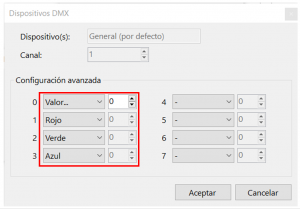
In the SHX application, it is created within the DMX devices, with the following configuration:
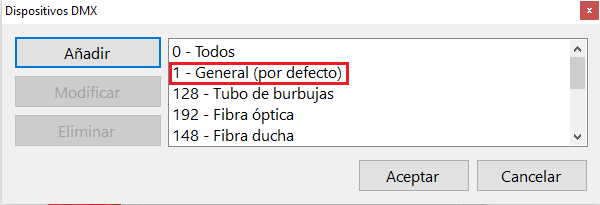
The configuration of the DMX channels must be as shown in the figure:
Troubleshooting
- For a basic troubleshooting of DMX devices follow the next steps:
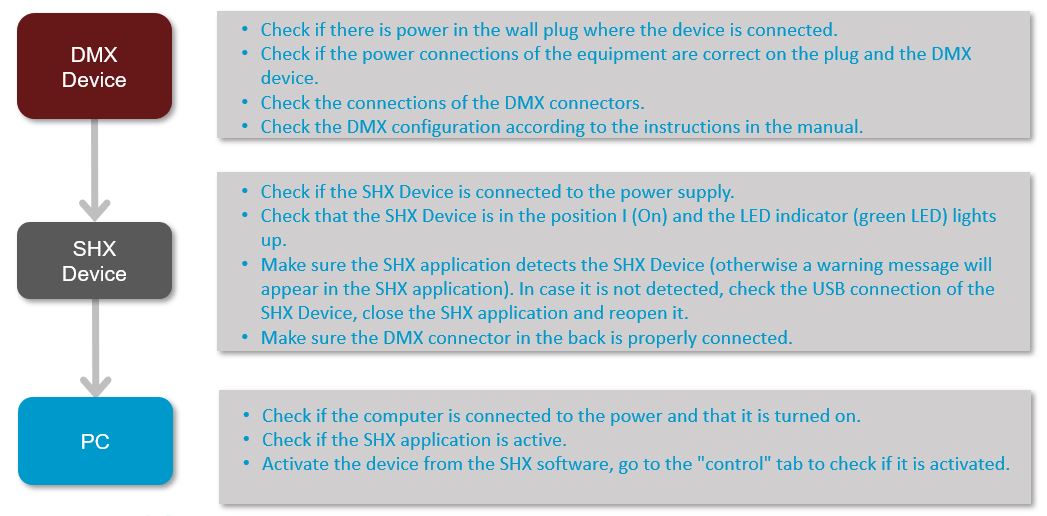
- When a DMX device is affecting the well functioning of other devices on the DMX bus, follow the next steps to identify wheater if a device is faulty or the issue is related to the cable used to connect all the devices.